I posted previously regarding a method to change the settings to run WUG and internet at the same time. Somehow, it was removed – probably due it being a replica query to a previous post.
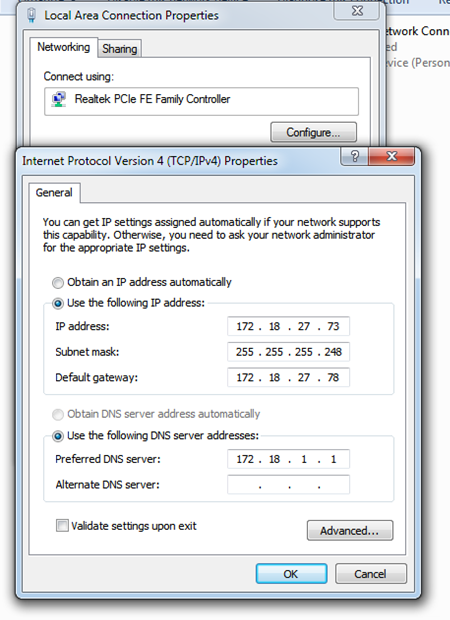
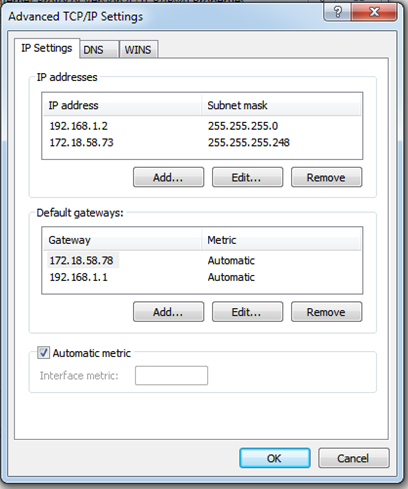
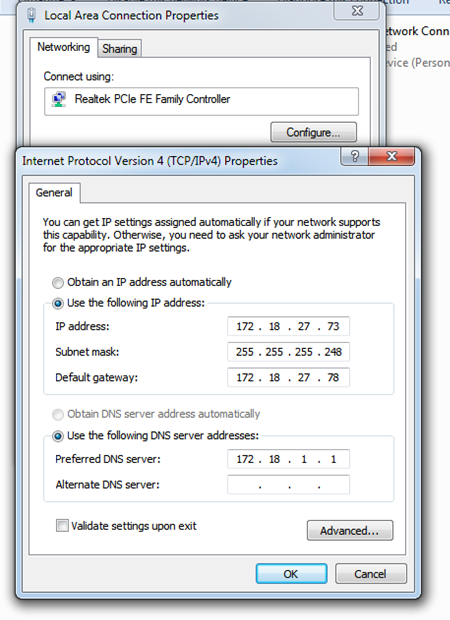
Anyway, I followed the steps as per :
It didn’t work
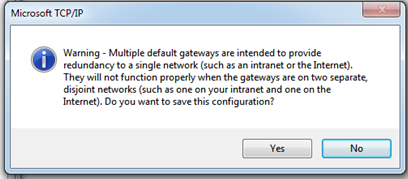
The message you getting is not an error but a warning. You can click yes and it will go past. Read the message its giving you. It will always give you that message if you run 2 different gateways.Let me get this straight you wanna run 2 different ip classes on one nic? Dont you have another nic on your pc?
I posted previously regarding a method to change the settings to run WUG and internet at the same time. Somehow, it was removed – probably due it being a replica query to a previous post.
Anyway, I followed the steps as per :
It didn’t work
No…actually not sure of your question though (as stated I’m a newbie!).
Basically, want to run the WUG and internet at the same time as I notice that having the internet on affects the WUG’s speeds
Nope…i used the alternate option as Telkom Huawei site do not have much LAN setup options.
I substituted my IP values and such for the IPs in the walk-thru.
Didn’t work - obviously, something that I’m doing wrong.
I’ll again tonite and document each step with screenshots.